
Built to
be played.
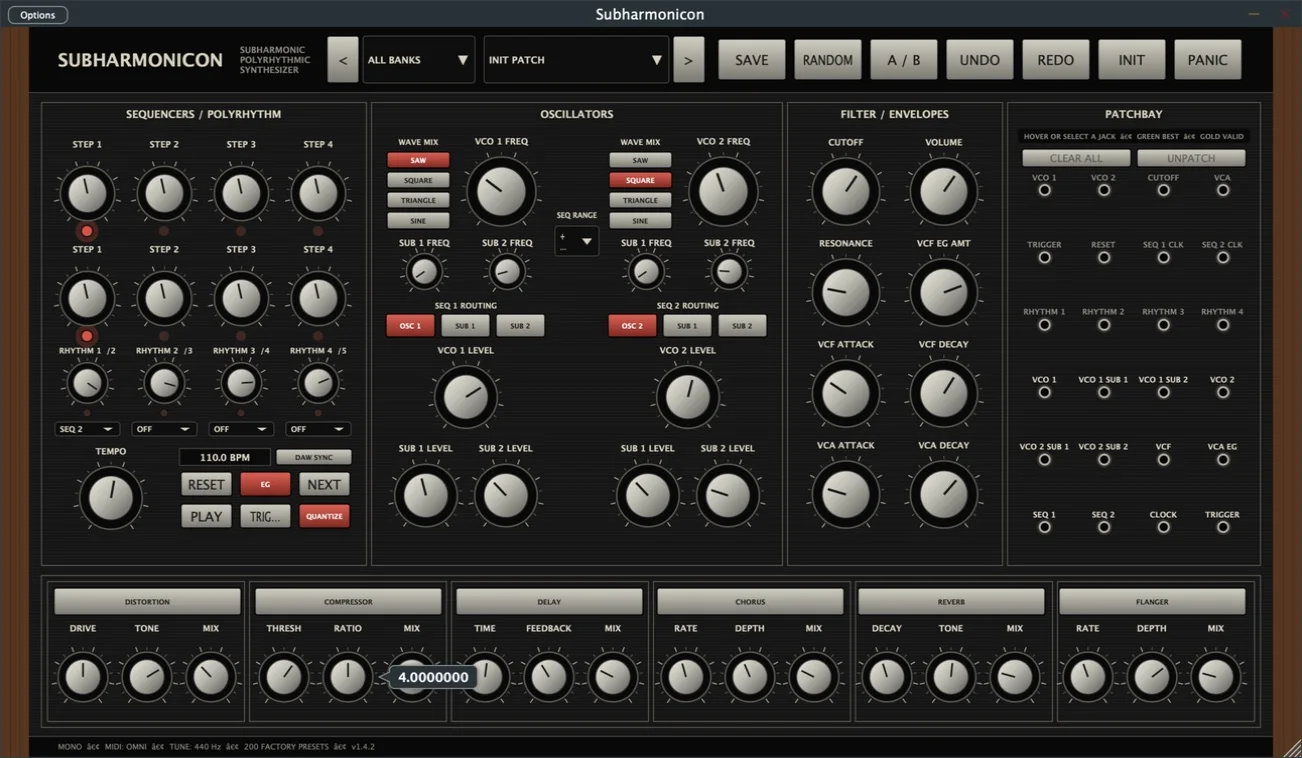
Every instrument pairs a tactile hardware-inspired interface with modern presets, patching, sequencing, and effects.
Patch
Sequence
Perform
Save
Virtual instruments inspired by iconic analog hardware. Rebuilt for modern production.
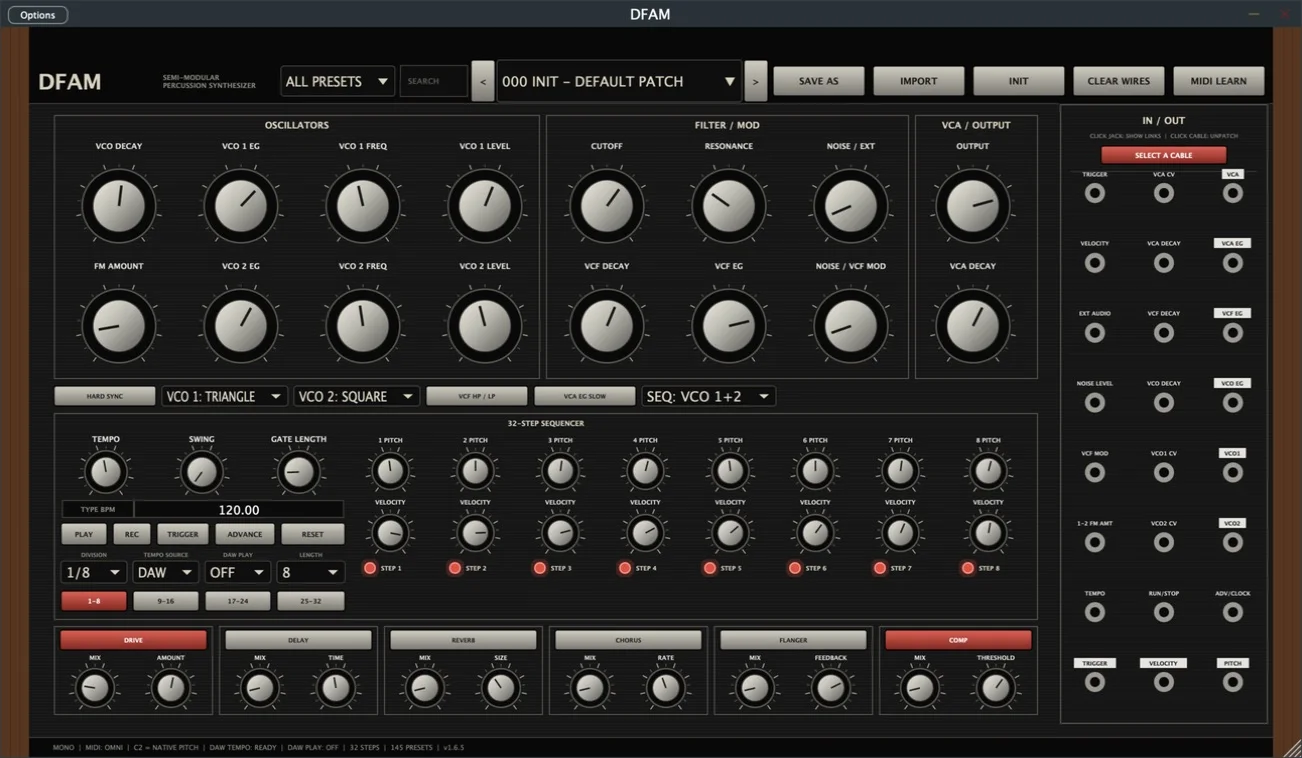
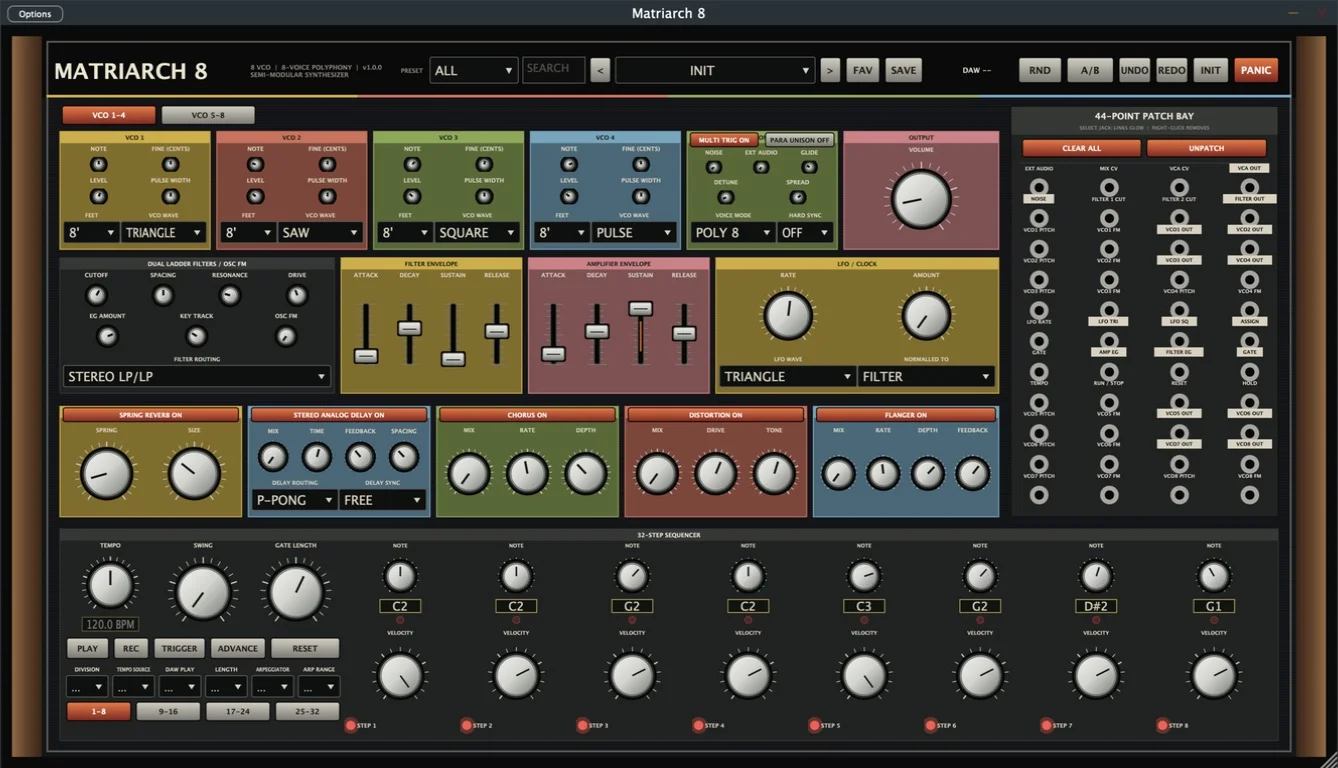
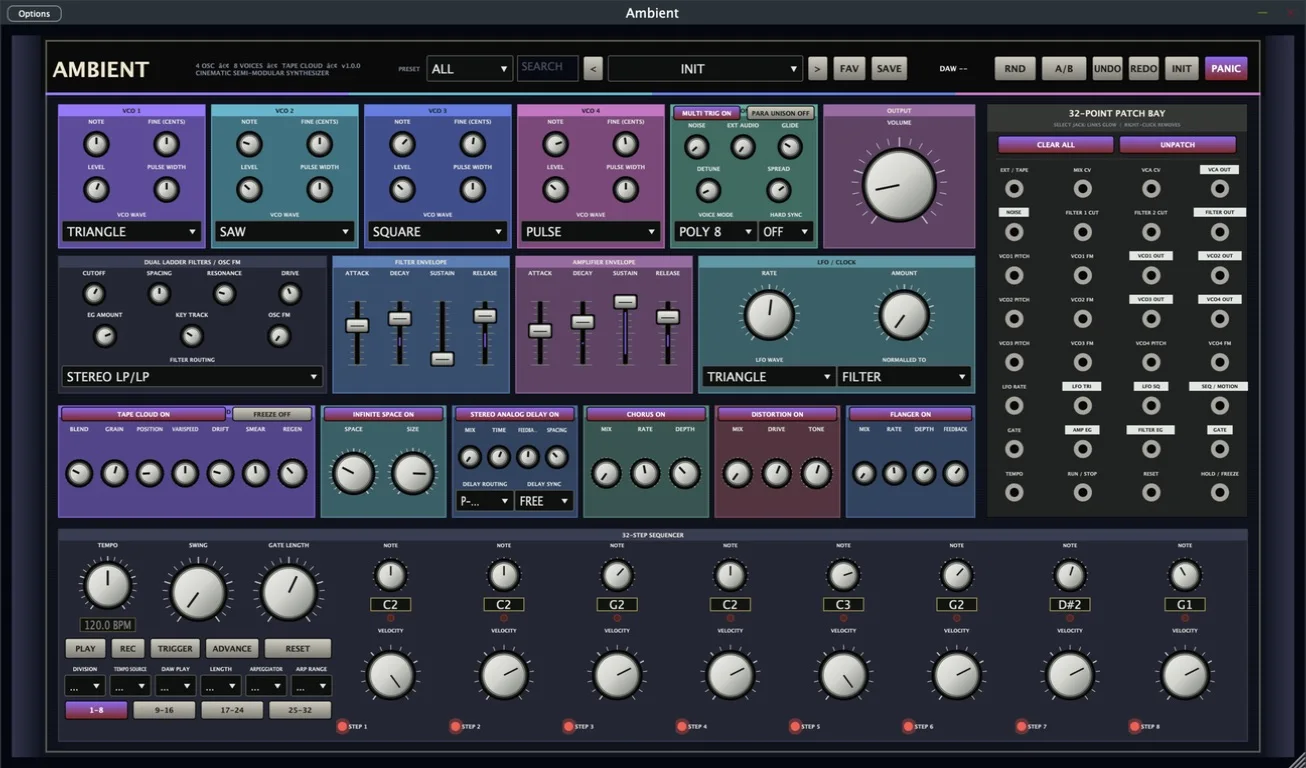
Choose a machine. Build a world.
No instrument matches that signal.
Every instrument pairs a tactile hardware-inspired interface with modern presets, patching, sequencing, and effects.
Pick a machine, choose macOS or Windows, and make noise.
Browse all plugins Mac ZIPs include DMG, PKG, and manual-install builds. Windows ZIPs include a verified x64 installer for VST3 and standalone formats..dmg, then double-click the .pkg inside. You can also run the included direct PKG.
manual-install, copy the AU .component to /Library/Audio/Plug-Ins/Components, the .vst3 to /Library/Audio/Plug-Ins/VST3, and the standalone .app to /Applications.
The PKG installs to /Library/Audio/Plug-Ins/Components, /Library/Audio/Plug-Ins/VST3, and /Applications. macOS may ask for an administrator password.
Get-FileHash -Algorithm SHA256 .\MoyaMusic-*-Setup.exe and compare it with SHA256SUMS.txt.
Windows-x64-Setup.exe, approve the administrator prompt, then choose Full for VST3 plus standalone or Compact for VST3 only.
Windows installs the 64-bit VST3 to C:\Program Files\Common Files\VST3 and the optional app to C:\Program Files\MoyaMusic. Windows 10 1809+ or Windows 11 x64 is required.
Need plugin support, want to commission an original score for film, games, or another project, or have a collaboration in mind? Send a note and the studio will get back to you.
Project inquiries welcome